Freeware for Windows and Linux

Every model you use,
on one desk.

Generate, edit, animate and upscale in a single desktop app. Bring your Google and Replicate keys. The graph keeps the routing.

Nano Manana mascot: a cartoon monkey in a backwards cap holding a banana

The desk

Eleven sections share one shell, one model list and one history. Nothing opens in a separate window.

Generate

Prompt, ratio, model, resolution. The result lands on a checkerboard canvas with download, edit and send-on actions already attached.
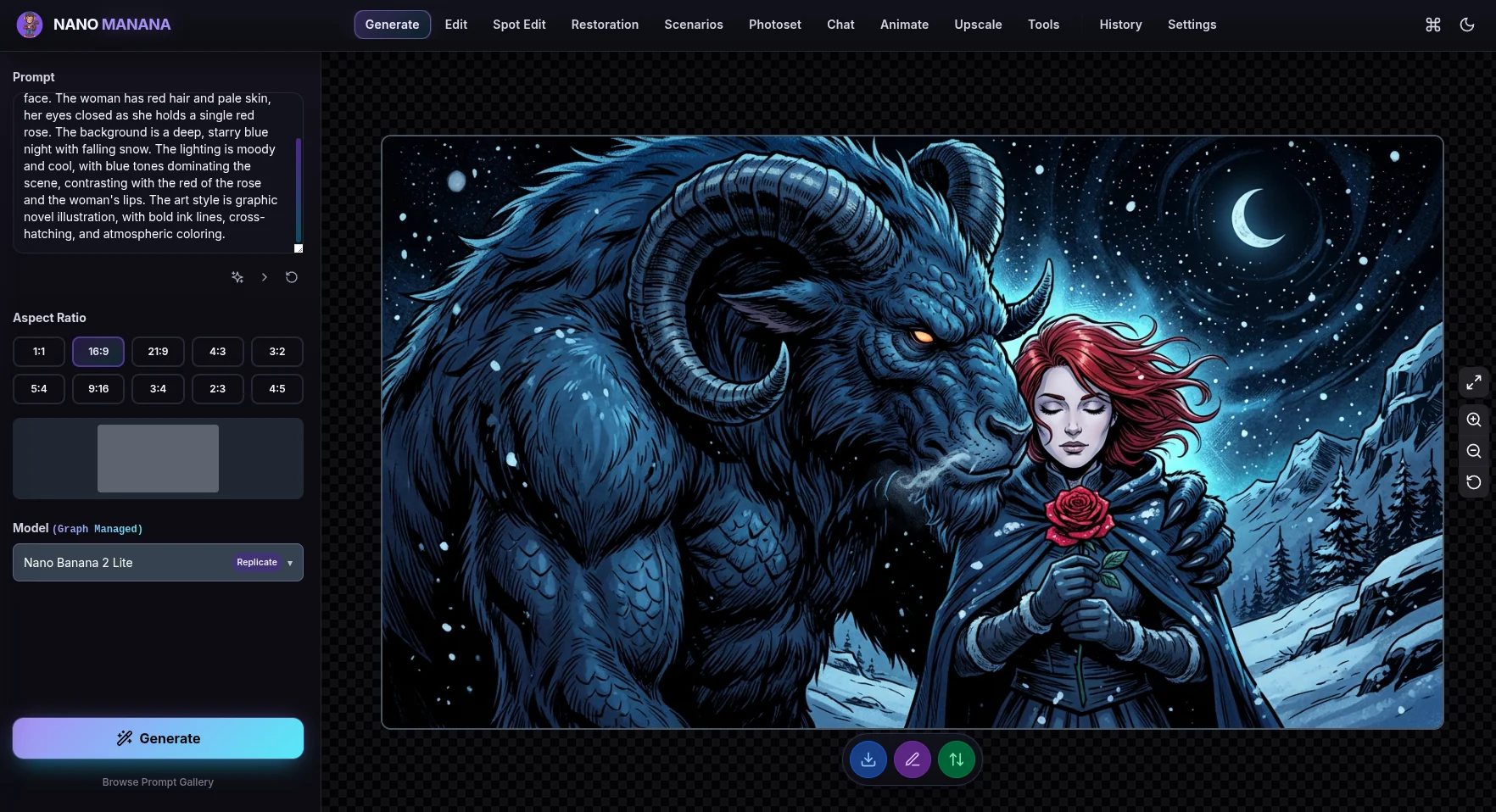
Generate section: prompt on the left, a finished illustration on the canvas

Edit

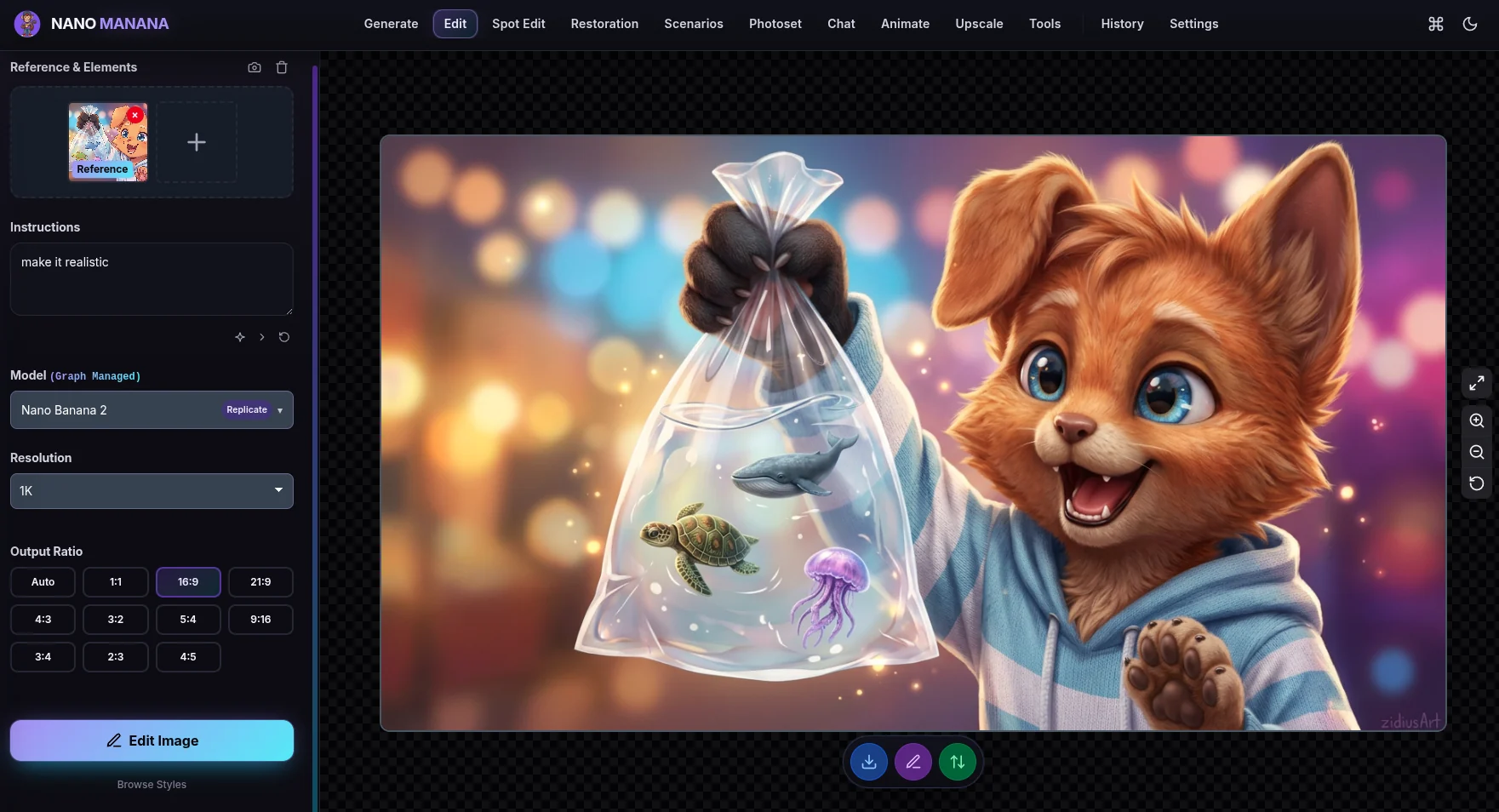
Drop a reference, write the change in plain language, pick the output ratio. The original stays until you accept the new frame.

Edit section: reference image and instruction field beside the result

Spot Edit

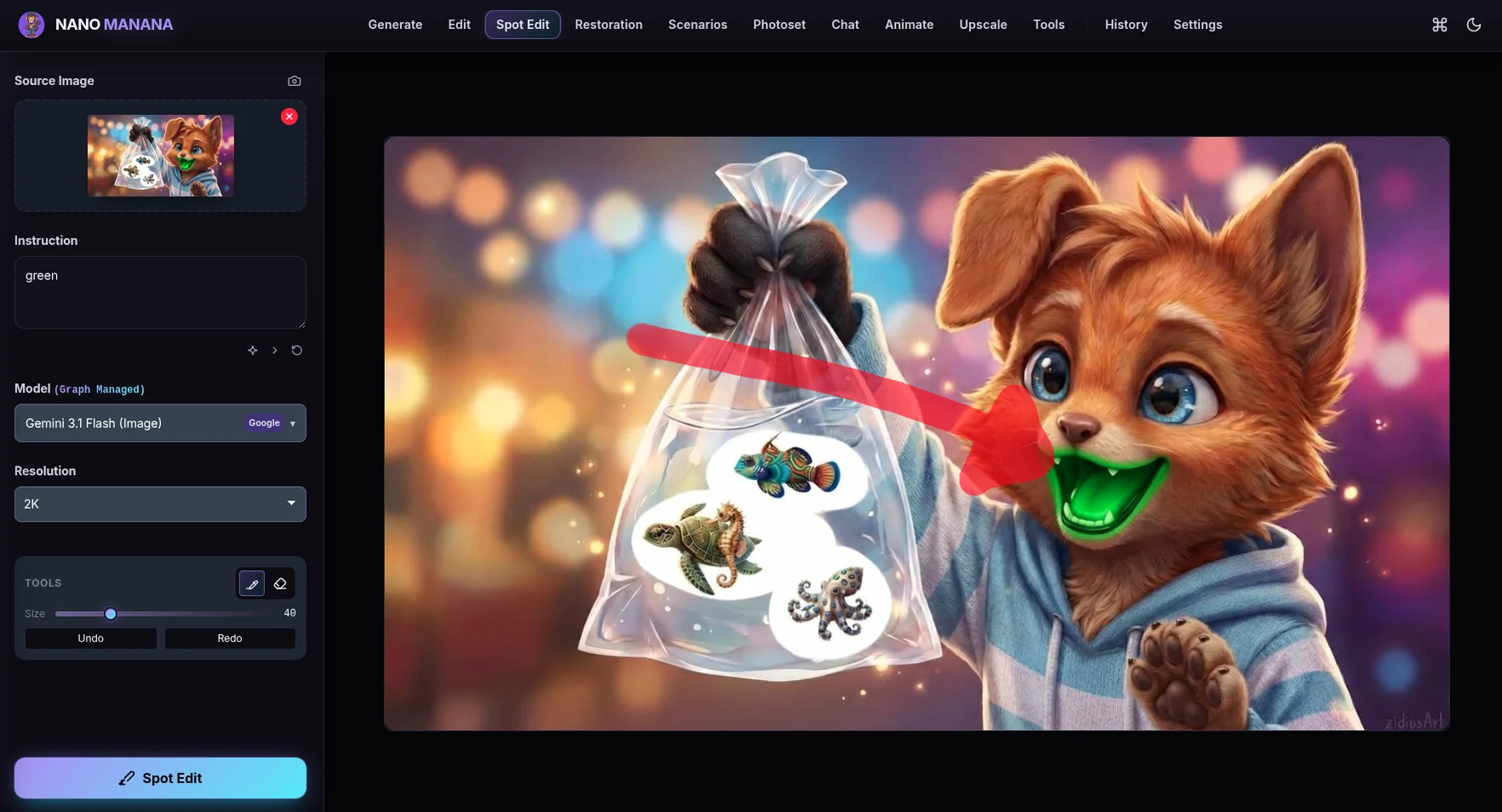
Paint the region you mean. Everything outside the mask is preserved, so faces, hands and type survive the change.

Spot Edit section: painted mask over part of an image

Every model is a node

The Node API page is a real graph, not a settings form. Wire a provider to a model pool, wire the pool to the sections that may use it, press Active.

  • Keys stay in one place. A provider node holds the key; every model behind it uses that key.
  • One pool, many models. AI Model+ carries the models you trust. Row order is the priority order.
  • Sections are nodes too. One App Section+ can serve Edit, Spot Edit and Photoset at once.
  • Diagnose before you render. Dead routes and duplicate keys show up as a list, not as a failed job.

Download

Pick the file for your system. No account, no trial timer, nothing bundled in.

Looking up the latest build…

Windows

10 / 11, x64
Setup .exe installer Portable .exe no install

The installer can update itself in place. The portable build cannot, so its Updates panel opens this page.

Linux

64-bit
AppImage any distro .deb package Debian, Ubuntu, Mint

Make the AppImage executable once, then run it. The AppImage updates itself in place.

Every file is published on the releases page. Older builds stay there.

Inside the shell

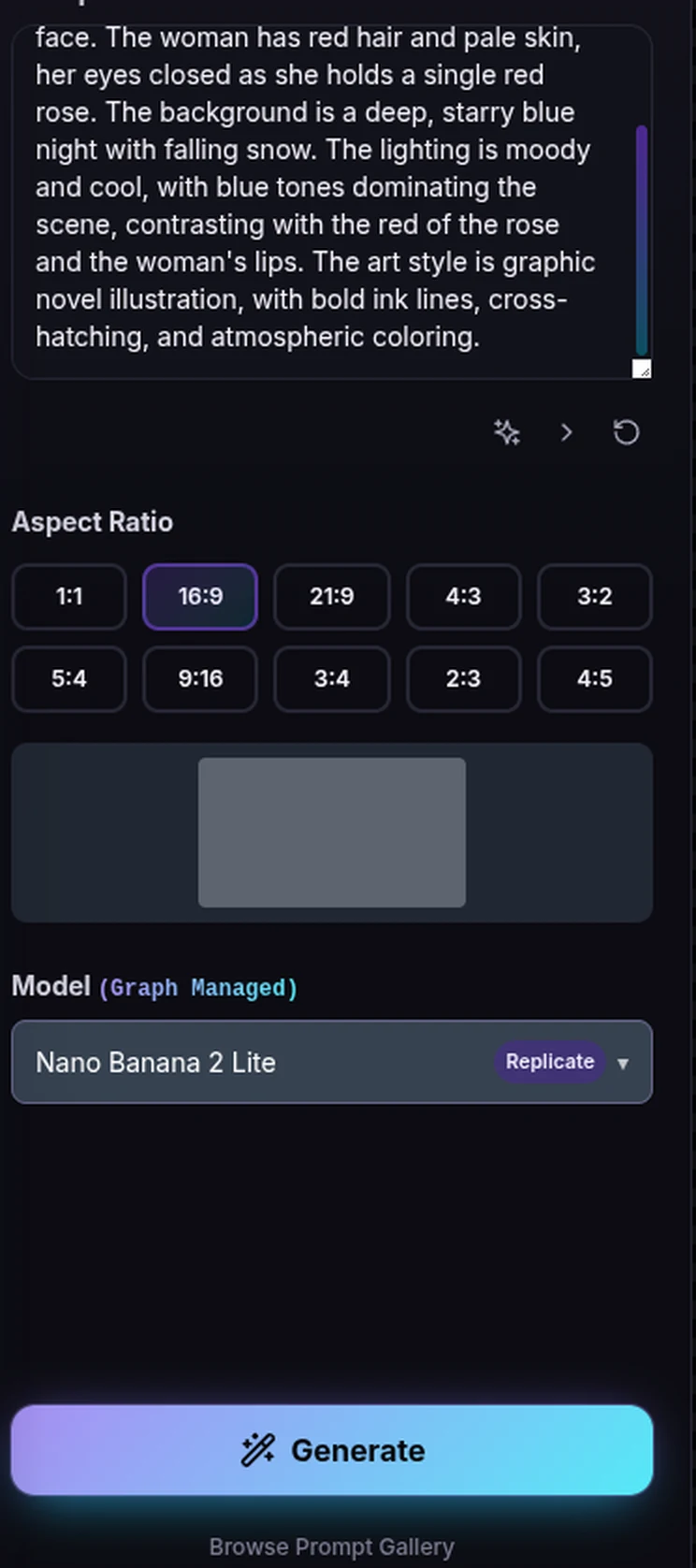
Twelve sections, one left rail. The controls change with the tab; the shell, the model list and the history do not.

Left rail of the Generate section: prompt, aspect ratio grid, model picker and resolution

Make

Generate
Prompt to image, with the ratio and model list you wired.
Edit
Instruction edits that keep the subject.
Spot Edit
Mask one region, leave the rest untouched.
Restoration
Repair old photos without repainting the face.

Build a set

Scenarios
One character, a written sequence of frames.
Photoset
A consistent character across poses and light.
Chat
An LLM in the same desk, reading the same keys.
Magic Prompt
Rewrite a rough idea into a prompt the model can hold.

Finish

Animate
Image to video, with duration, ratio and audio decided up front.
Upscale
Several providers, picked per job, priced in the budget panel.
Tools
Layers, masks and canvas work without leaving the app.
History
Every result on disk, searchable, with its settings.

Three moves to a first image

  1. Install

    Run the setup file, or make the AppImage executable and double-click it.

    chmod +x Nano.Manana-*.AppImage
  2. Add a key

    Open Node API and paste a Google AI Studio key into the Google node. A Replicate token is optional.

  3. Pick a model

    Press Active. Each section then lists only the models wired to it, and nothing else can run in their place.

Windows 10 / 11 x64 or a current 64-bit Linux desktop · internet while you generate · a Google AI Studio key · a Replicate token for those models

Take it to your desk.

Free for personal and commercial work. Your keys, your folders, your history.

Download